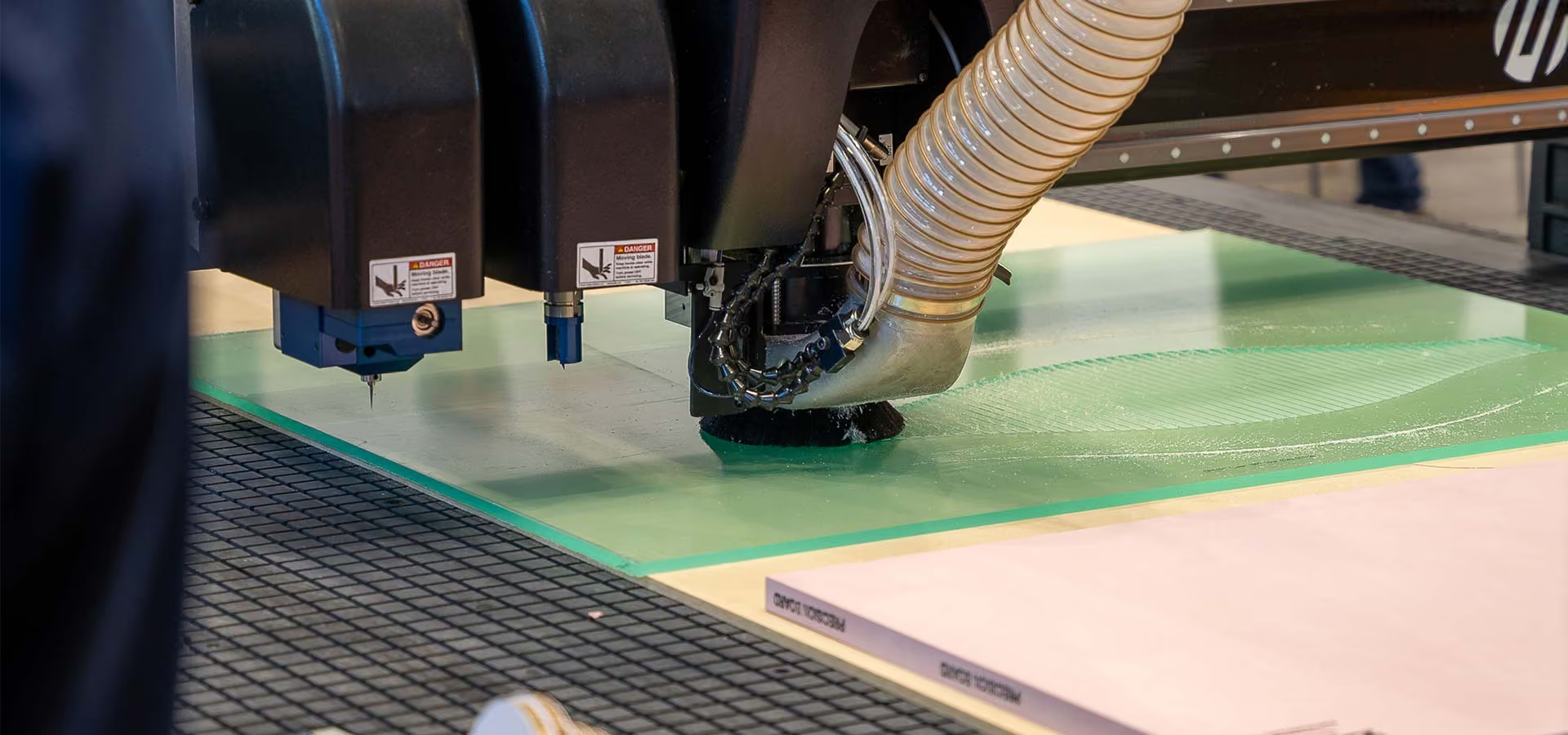
Mastering the Basics of MultiCam CNC Router Operation
Operating a MultiCam CNC router is a breeze. We've made it straightforward and user-friendly to ensure that you can focus on the job at hand
Operating a MultiCam CNC router is a breeze. We've made it straightforward and user-friendly to ensure that you can focus on the job at hand, even if you don't have a deep understanding of G-codes, special functions or intricate tooling knowledge. Check out this quick video to see just how easy it is: Watch Video.
Here's a breakdown of the simple steps it takes to get started:
- Hard home machine: This step allows the machine to find its true XYZ zero point.
- Calibrate ANY new tools: Teach the machine the tool bit length for each tool number. Calibrated tools are remembered after each power cycle, so you only need to calibrate new ones.
- Set vacuum table zone: Adjust the vacuum zone to the sheet size and turn on the vacuum pump to secure the material.
- Set max depth on spoil board: This is a safety measure to control the depth of the routing.
- Set material surface: Now, your job can be run.
- Set soft home (0,0): Select front right corner where you want to start cutting.
- Dust collection: Adjust dust boot and ensure the dust collection unit is turned on.
- Choose CNC job: Find the job you want to run from the handheld keypad or connected computer.
- Press START: Execute the job file.
Once you've completed the initial setup for the day, repeating the process is even simpler.
To become a proficient CNC operator, it's essential to expand your knowledge beyond the basics. Here are some areas to focus on for enhanced skills and efficiency:
- Table vacuum mastery: Learn effective techniques for securing materials using our table vacuum system.
- Check out our video guide covering materials, tips, tricks, and maintenance to keep your spoil board in top condition: Watch Video.
- Router bit tooling styles: Understand the right tooling styles for different materials and grasp the concept of chip load for optimal results.
- Maintenance routines: Implement daily, monthly, and yearly maintenance practices for your machine and auxiliary equipment, such as the dust collector and vacuum pump.
- Operations manual exploration: Review your operations manual to uncover integrated menu items that can streamline your operations.
For specialized processes and manufacturing requirements that demand a higher level of expertise, MultiCam offers application-specific training. This ensures that anyone can excel in operating a MultiCam CNC Router, even in more intricate scenarios. We're here to support your CNC journey, from the basics to the most complex applications.
UN EXCELLENT RAPPORT QUALITÉ-PRIX
Votre prochaine solution CNC vous attend
Contactez notre équipe pour découvrir nos routeurs CNC fiables et conçus avec précision, adaptés à vos besoins de production. De la performance et la configuration aux tarifs et au support, nous sommes là pour vous accompagner en toute confiance.